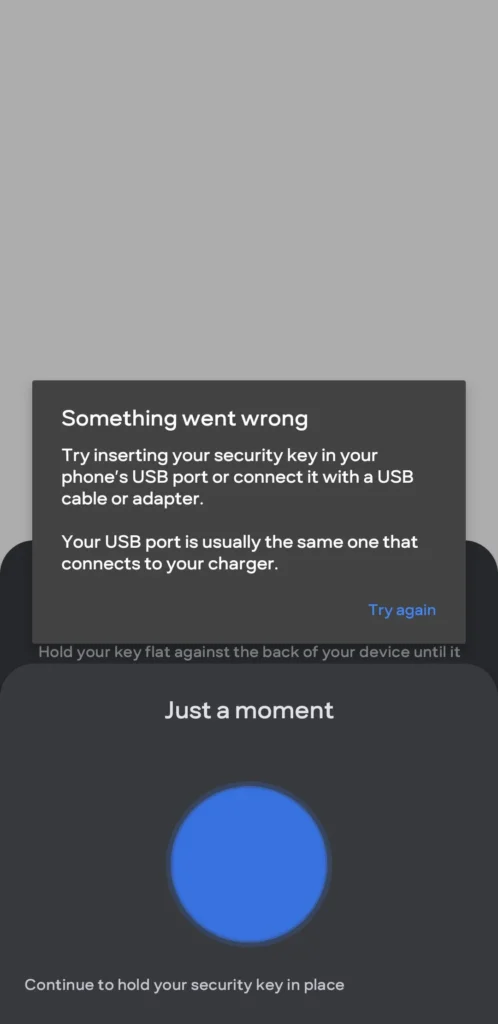
SMS one-time passwords are better than having no second factor, but they are not the strongest option for accounts that support modern phishing-resistant authentication. The important distinction is between a code you can accidentally give to a fake website and a cryptographic credential that verifies the real website.
Three common options
| Method | Main strength | Main limitation |
|---|---|---|
| SMS OTP | Widely available and easy to recover | Depends on the mobile number and can be socially engineered or affected by SIM-related attacks. |
| Authenticator app (TOTP) | Works offline and avoids SMS delivery | A user can still type the code into a convincing phishing page. |
| Passkeys / FIDO security keys | Designed to be phishing-resistant by binding authentication to the legitimate service | Not every service supports them; backup/recovery planning matters. |
Where a hardware key or passkey is most useful
Start with the account that can reset everything else: your primary email, Apple/Google/Microsoft account, password manager, cloud storage and important work accounts. Banking and UPI apps may use their own authentication systems, so check the service rather than assuming a USB/NFC key can be added everywhere.
Recovery is part of security
Register more than one authenticator when the service allows it, store recovery codes safely, and understand the account-recovery process before removing an old phone. A security key locked in a drawer is only useful if you can still recover the account when travelling or after losing a device.
Editorial basis
This guide does not call any login method “unhackable.” It explains why FIDO/WebAuthn authentication is resistant to common credential-phishing attacks and where compatibility can limit its use.
Leave a Reply