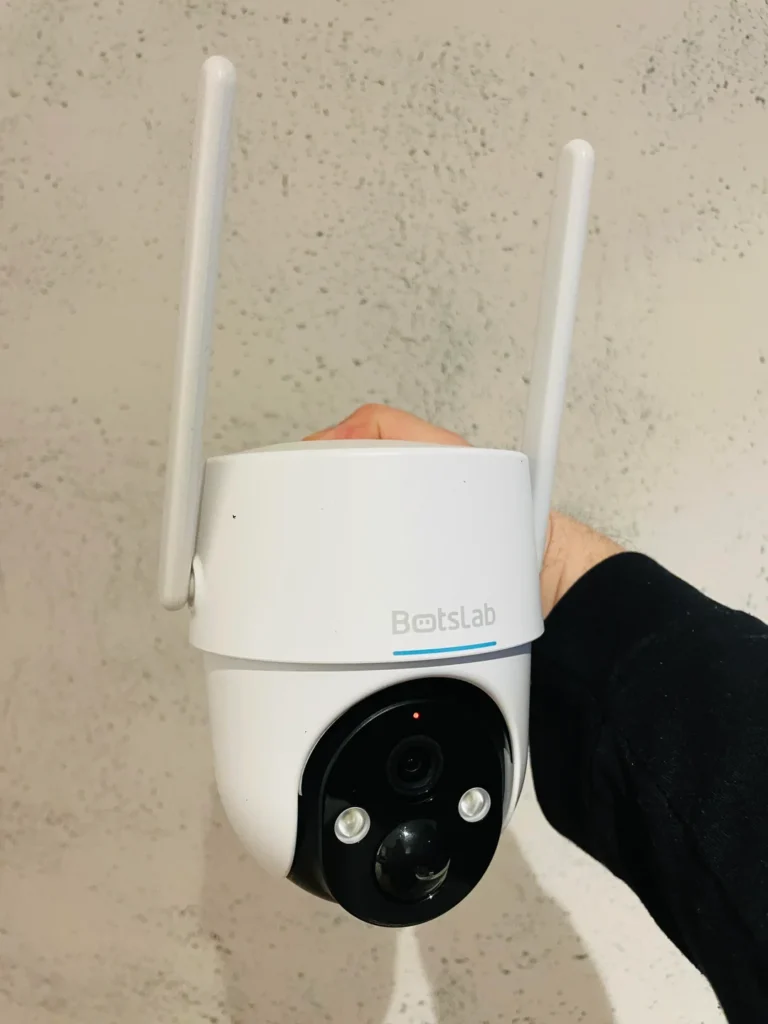
A Wi-Fi camera can be useful for doors, pets or common areas, but it also creates a remotely accessible video sensor inside your home. Buying one should therefore be a privacy decision as well as a picture-quality decision.
Privacy-first camera checklist
| Question | What to verify |
|---|---|
| Account security | Does the vendor support multi-factor authentication and login alerts? |
| Local storage | Can video be stored on microSD/NVR/NAS without a required cloud subscription? |
| Cloud retention | How long is footage stored, in which regions, and how can it be deleted? |
| Encryption | What does the vendor say about encryption in transit and at rest? |
| Update support | Is there a visible firmware history or security-update process? |
| Physical privacy | Can the lens be blocked or recording disabled when people expect privacy? |
Placement matters more than an AI label
Do not install an internet-connected camera in a bedroom or bathroom. In shared homes, tell household members where cameras are located and what is recorded. For entrances, aim the camera so it captures the needed area without unnecessarily recording neighbours or public spaces.
Network setup
Change the default password, update firmware, enable MFA if offered, and place IoT devices on a separate guest/IoT network when your router supports isolation. Disable features you do not use, such as remote sharing or cloud recording.
Editorial basis
CSNR does not infer privacy from a brand’s country of origin or server location alone. A privacy comparison should use the current privacy policy, security documentation, update record and account controls for the exact product. This guide is a research-based checklist, not a claim that every listed camera was penetration-tested by CSNR.
Verification resources
- CERT-In
- CISA Secure Our World
- Check the camera vendor’s current privacy and security pages before enabling cloud recording.
Leave a Reply