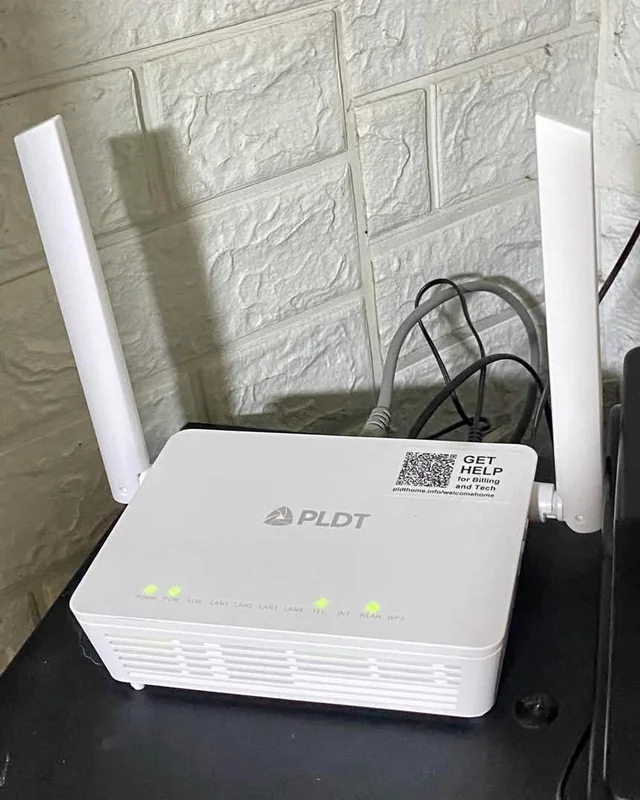
Replacing an ISP router can improve coverage, device capacity and security controls, but a “Wi-Fi 6” badge alone does not guarantee faster internet. Your plan speed, home layout, client devices, channel congestion and router placement all matter.
What to compare before buying
| Check | Why it matters |
|---|---|
| Wi-Fi generation | Wi-Fi 6 can handle busy multi-device homes more efficiently than older generations when compatible clients are used. |
| WPA3 support | Useful modern wireless-security option; keep firmware current and use a strong admin password regardless. |
| Gigabit Ethernet | A 100 Mbps WAN/LAN port can become the bottleneck on a faster fibre plan. |
| Firmware updates | A router that stops receiving security updates becomes harder to justify even if the hardware is fast. |
| Mesh/extender support | Often more useful than buying one “powerful” router for a large or multi-floor home. |
Placement beats marketing
Put the router in an open, central position rather than inside a cabinet or at one end of the home. Test 5 GHz near the router and 2.4 GHz where range matters. In a difficult floor plan, a mesh system or wired access point can be a better upgrade than a higher advertised AX number.
Security setup after purchase
- Install current firmware before changing anything else.
- Change the router administrator password and disable remote administration unless you actually need it.
- Use WPA2/WPA3 or WPA3 where all important devices support it.
- Create a guest or IoT network for devices that do not need access to computers or storage on your main network.
- Back up the final configuration after you have tested it.
Editorial basis
This guide compares standards, features and ownership factors rather than claiming that CSNR measured every router in a controlled radio-frequency lab. Coverage claims in retail listings should be treated as estimates because walls, interference and client hardware change the result.
Verification resources
- Wi-Fi Alliance security information
- CERT-In
- Check the manufacturer support page for firmware history and exact hardware revision.
Leave a Reply