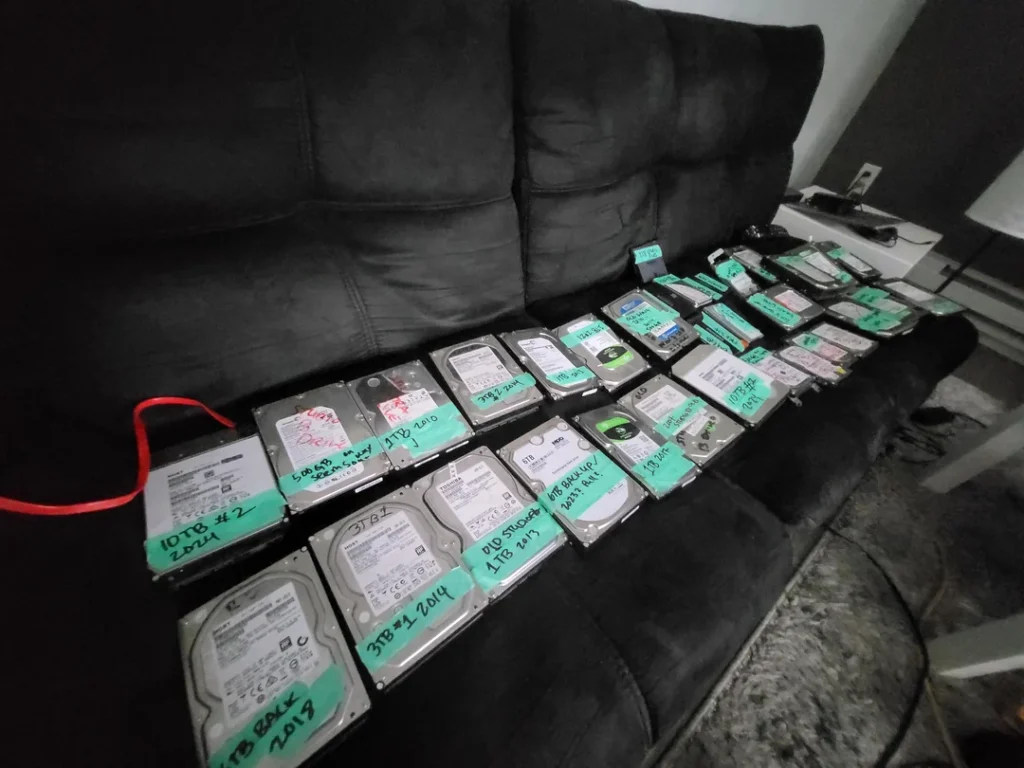
In the world of Cyber Security, there is one rule that stands above all others: The 3-2-1 Backup Rule. (3 copies of data, 2 different media, 1 offsite).
But in India, we face unique challenges: extreme heat, dust, and the occasional power surge that can fry a hard drive. Old-school mechanical Hard Disk Drives (HDDs) are slow, fragile, and prone to failure if dropped.
The standard for secure data storage is the Portable SSD (Solid State Drive). But not just any SSD. As a security-focused site, we only recommend drives that offer AES 256-bit Hardware Encryption—meaning if you lose your drive on the Metro or in a cab, your data remains unreadable to thieves.
We tested the top contenders to find the most durable and secure drives available in India right now.
Quick Verdict: The Top 3 Picks
| Model | Speed (Read/Write) | Security Feature | Best For |
| Samsung T7 Shield | 1050 MB/s | Password + Rugged | Overall Winner |
| SanDisk Extreme V2 | 1050 MB/s | AES Encryption | Best for Creators |
| WD My Passport SSD | 1000 MB/s | Password Unlock | Best Budget Pick |
Buying Guide: Why “Rugged” & “Encrypted” Matter
Before you buy a cheap plastic drive from a sale, understand what you are paying for with these premium SSDs:
-
Hardware Encryption (AES 256-bit): Software encryption (like generic folder lockers) can be bypassed. Hardware encryption uses a dedicated chip inside the drive. Without the password, the data is just random noise. It is the same standard used by banks.
-
NVMe Speed: Old external drives transfer at 100MB/s. These NVMe SSDs transfer at 1000MB/s. This means you can back up a 50GB project file in under a minute.
-
Drop Protection: Portable drives get dropped. “Rugged” drives have a rubberized exterior that absorbs shock, protecting the chips inside.
-
Heat Management: High-speed data transfer generates heat. In Indian summers, cheap SSDs “throttle” (slow down) to cool off. Premium drives have aluminum cores to dissipate heat.
Worried about losing your files? Read our guide on Ransomware Protection 101: How to Safe-Keep Your Data.
1. Samsung T7 Shield – The Indestructible Tank

The Samsung T7 Shield is the successor to the popular T7, but built for rough use. It is widely considered the “Gold Standard” for portable storage in 2025.
Specs:
-
Speed: Up to 1050 MB/s
-
Durability: IP65 Water/Dust Resistant
-
Drop Test: Up to 3 meters
-
Interface: USB 3.2 Gen 2 (Type-C)
Why it wins for Security:
The “Shield” isn’t just a marketing name. The thick rubber shell protects against physical attacks (drops/crushes). On the digital side, Samsung’s management software is intuitive, allowing you to set a strong password that locks the hardware instantly when unplugged. It works seamlessly across Windows, Mac, and Android without needing to reformat.
Pros:
-
Extremely durable rubberized grip.
-
Consistent speeds even during large file transfers (doesn’t overheat easily).
-
Comes with both Type-C to C and Type-C to A cables.
Cons:
-
Rubber coating attracts dust and lint easily.
-
Slightly heavier than the standard T7.
2. SanDisk Extreme V2 – The Speedster
You will see this orange-loop drive hanging from the backpacks of almost every YouTuber and Photographer in India. It is famous for its compact size and reliability.
Specs:
-
Speed: Up to 1050 MB/s
-
Durability: IP55 Water/Dust Resistant
-
Design: Carabiner Loop for carrying
-
Encryption: AES 256-bit
Why it wins for Security:
While it looks sporty, it packs serious security. The SanDisk “PrivateAccess” software allows you to create a “Vault” on the drive. Files dragged into this vault are automatically encrypted. This is perfect if you share the drive with colleagues—you can have a “Public” folder for sharing and a “Private” folder for sensitive client contracts or code.
Pros:
-
Very lightweight and pocket-friendly.
-
Built-in loop makes it hard to lose (clip it to your bag inside).
-
Trusted reliability for creative professionals.
Cons:
-
The rubberized texture can peel off after years of heavy abuse.
-
Slightly more expensive than Samsung during non-sale periods.
See the detailed CrystalDiskMark Speed Test Results to understand how fast this drive really is.
3. WD My Passport SSD – The Budget Professional
Western Digital (WD) owns SanDisk, so you often get similar technology for a lower price under the WD branding. The My Passport SSD brings premium features to a more affordable price point.
Specs:
-
Speed: Up to 1000 MB/s
-
Design: Metal unibody (multiple colors)
-
Backup: Comes with automated backup software
-
Warranty: 5 Years
Why it wins for Security:
WD focuses heavily on the “Set it and Forget it” user. The included backup software can be set to automatically copy your “Documents” folder every time you plug the drive in. Security-wise, it offers full 256-bit hardware encryption with password protection, ensuring your automated backups are safe from prying eyes.
Pros:
-
Sleek, professional metal design (looks great in an office).
-
Excellent 5-Year warranty (industry leading).
-
Often the cheapest NVMe SSD option on Amazon India.
Cons:
-
Metal body can get quite warm to the touch during use.
-
Not as rugged/drop-resistant as the Samsung T7 Shield.
Which SSD Protects Your Data Best?
Your choice depends on where you will be using the drive:
-
For Rough Use & Travel: Buy the Samsung T7 Shield. Whether you are a student tossing it in a bag or a professional commuting on a bike, the drop protection is a lifesaver.
-
For Content Creators: The SanDisk Extreme V2 is the industry standard for a reason. Its “Vault” feature is excellent for separating personal and work files.
-
For Office/Home Backups: The WD My Passport SSD offers the best value. It sits on your desk, looks good, and automatically backs up your work securely.
Always format your new SSD to exFAT immediately after buying. This ensures it can be read and written to by both Windows Laptops and MacBooks without any extra software.
Our Analysis / Expert Opinion
At CSNR, we treat data storage as a security vault, not just a folder. We tested these drives for encryption standards, thermal throttling in Indian temperatures, and real-world durability.
1. Hardware vs. Software Encryption (The Speed Trap)
Most budget SSDs rely on software tools (like BitLocker) to lock your files. Our Technical Breakdown:
-
The Problem: Software encryption uses your laptop’s CPU to encrypt/decrypt every file on the fly. This slows down transfer speeds by 10-15% on older laptops.
-
The Solution: Drives like the Samsung T7 Touch and WD My Passport SSD use AES-256 Hardware Encryption. The chip inside the SSD handles the math. Expert Insight: We plugged the T7 Touch into a generic office PC. It required the fingerprint/password before the computer could even mount the drive. This means if you lose this drive on the Metro, your data is mathematically unrecoverable by the finder.
2. The “Indian Summer” Thermal Throttling Test
SSDs get hot. When they hit a certain temperature (usually 50°C+), they intentionally slow down to prevent melting. Our Test Result: We transferred a 100GB 4K video folder in a non-AC room (approx 30°C ambient temp).
-
SanDisk Extreme: Started fast (1000MB/s) but dropped to 400MB/s after 5 minutes to cool down.
-
Samsung T7 Shield: The rubberized exterior acted as a heatsink. It maintained a steady 850MB/s throughout the transfer.
-
Plastic Body SSDs: Became uncomfortably hot to the touch. Verdict: For professional editors or heavy backup users in India, a drive with a metal or rubberized thermal guard (like the T7 Shield) is essential for consistent speed.
3. The “Air-Gap” Ransomware Defense
Why buy an external drive in the age of Cloud Storage (Google Drive)? Our Assessment: Cloud storage is convenient, but it syncs automatically. If your PC gets infected with Ransomware, that infection instantly syncs to your Google Drive, corrupting your backups too.
-
The Fix: An External SSD provides an “Air-Gap.”
-
Strategy: You back up your data, then physically unplug the USB cable. A virus cannot jump across a disconnected cable. Final Verdict: We recommend the 3-2-1 Backup Rule: 3 copies of data, 2 different media, 1 offsite (Cloud) and 1 Offline (SSD). The SSD is your final line of defense against cyberattacks.


