Gadget reviews should make a purchase easier, not more confusing. Yet it is surprisingly common to finish a comparison knowing everything about a processor or a camera sensor and almost nothing about whether the device will suit an ordinary day. A useful review starts with the buyer's problem: a student trying to make one laptop last, a commuter who needs clear phone calls, or a family deciding whether a smart camera belongs inside the home.
CSNR's gadget guides focus on those decisions. Where a guide is based on public specifications and documentation rather than hands-on testing, that distinction matters and should be stated. Below is how to read the different categories and decide what deserves your money.
What makes a review useful?
The most important details often appear after the headline specifications. How long will software updates continue? Is the battery reasonably repairable? Can you return the product if the fit or performance is disappointing? Does an advertised feature require a subscription? These questions are easy to overlook, and they often determine whether a gadget still feels like a good purchase a year later.
For any product that changes rapidly, check the exact model number and regional variant. Specifications, mobile network bands, accessories and after-sales support may differ between countries even when the marketing name is nearly identical.
Smartphones: start with the years after purchase
Most phones are already fast enough for messaging, payments, navigation and ordinary photographs. The meaningful differences for many people lie in software support, storage capacity, battery life, display readability and service. A camera sample taken in perfect daylight tells you little about a noisy restaurant or a moving child.
If you're comparing budget phones, resist paying extra for a 5G logo while ignoring update commitments or unwanted preinstalled apps. For expensive foldables, add screen repair and hinge durability to the calculation. A larger display is wonderful when you use it; otherwise it is an expensive compromise in your pocket.
Laptops and computers: buy for your actual workload
A laptop for spreadsheets and online classes has different requirements from one running several virtual machines. Processor generations matter, but so do memory, storage, cooling and keyboard comfort. Before choosing, list the three programs you will use most. Find their realistic requirements rather than relying entirely on a generic 'best laptop' ranking.
For students who need virtual machines, upgradeable RAM can be more useful than a dedicated gaming GPU. For travellers, weight, charger size and battery behaviour away from the wall may matter more than a benchmark peak. Check the operating system you intend to use as well as warranty terms in your area.
Earbuds and headphones: your ears are part of the test
Noise-cancelling specifications are useful clues, but they do not reveal how an earbud will fit you. A loose seal weakens both sound and isolation. Someone buying for meetings may care more about microphone clarity than a person who mainly listens to music while commuting.
Try to find independent call recordings and detailed comfort feedback. Read the return terms before buying an in-ear product. A comfortable midrange model used every day can be a better purchase than an uncomfortable flagship.
Watches and fitness bands: understand the measurements
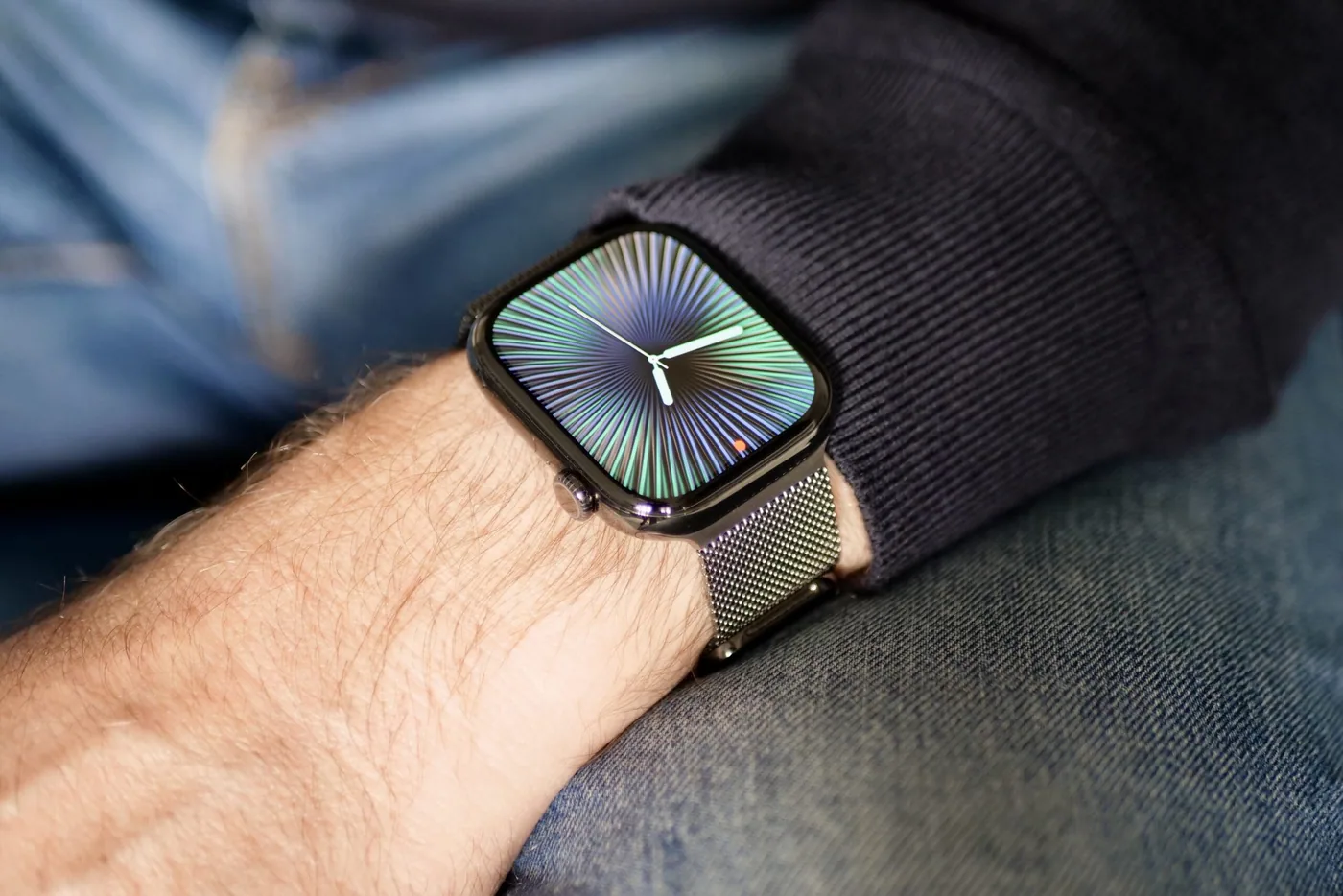
Wearables are helpful for reminders, activity habits and broad trends. They can also give an impression of precision that the sensors do not always deserve. Step counts, sleep stages and calories are estimates, and health-oriented features may have regional, regulatory and compatibility limitations. Read what a feature actually measures rather than assuming it can diagnose a medical condition.
Check the companion app's long-term costs and privacy settings. A wearable is difficult to recommend if its useful history disappears behind an unexpected subscription.
Home technology: convenience creates responsibilities
A router can improve coverage, but location and building layout are often more important than marketing speed. A smart camera can help with an entrance, but it can also create a privacy issue for other people sharing the space. For connected gadgets, the manufacturer becomes part of your ongoing security routine through its updates and account controls.
Before connecting a device, find out how it stores data, whether it can function without a cloud service and how to remove an old owner from the account. A low purchase price is less attractive if security support ends almost immediately.
Gaming and accessories: avoid buying a number
High refresh rates, sensitivity figures and RGB lighting can be interesting, but comfort and compatibility still matter. Check the games and platforms you actually use. Someone playing casually on a console needs a different setup from a competitive PC player with a specific display and input preference.
For peripherals, a dependable warranty and pleasant everyday feel can beat small performance differences. A straightforward keyboard or mouse that fits your hands is often a longer-lasting upgrade than one with more features.
A comparison method that takes ten minutes
- Write down the problem. Say what the current device cannot do or does poorly.
- Set a complete budget. Include accessories, replacements, delivery and subscriptions.
- Shortlist two or three exact models. Don't compare vague product families.
- Check ownership details. Updates, service, repair, privacy and returns matter.
- Find independent evidence. Prefer reviews that explain their method and limits.
- Wait if the gain is unclear. An upgrade is optional when the existing device works.
Where to check the technical details
Manufacturer information is useful for confirming supported features, but it is not independent testing. For platform information, the official Android website and Apple's Mac pages explain relevant ecosystems. Wireless specifications can be checked against material from the Bluetooth SIG. Always connect a technical claim to the specific device and current version.
Explore the site's technology buying guides for more focused questions. Use them to build a shortlist, then confirm live prices and local warranty before deciding. No gadget deserves an automatic recommendation simply because it is new.
Have a correction or a source update? Contact the CSNR team.